





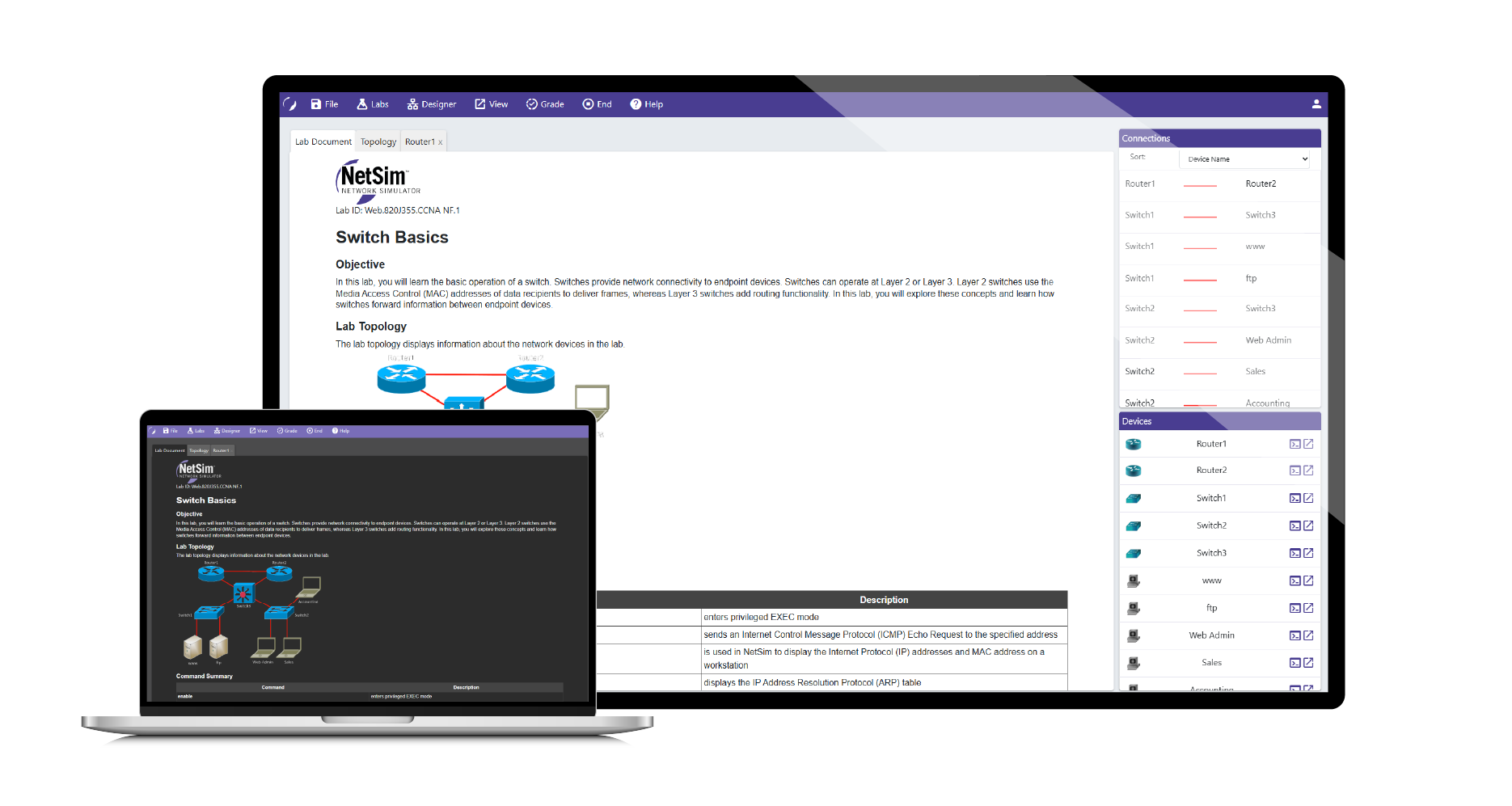
Boson Netsim for Cisco 200-301 CCNA screenshot

NetSim for Cisco 200-301 CCNA

Prepare for your exam through hands-on lab-based practice.

$59 / 3-month subscription
Auto-Renew. Cancel Anytime.

BEST VALUE!

$179 / 1-year subscription
Auto-Renew. Cancel Anytime.

User Agreement

Not ready to buy yet?

NetSim for Cisco 200-301 CCNA

NetSim for Cisco 200-301 CCNA is the industry-leading network simulator designed to help you learn, practice, and master the skills needed to pass the Cisco 200-301 CCNA exam. Built specifically for CCNA exam prep, NetSim provides hands-on experience with real-world networking scenarios featuring guided labs that cover all the key topics on the 200-301 CCNA exam.

With NetSim’s CCNA labs, you can gain practical experience configuring Cisco routers and switches without the need for physical hardware, IOS images, or external lab equipment. Everything you need is included, making it the perfect solution for home study, classroom learning, or self-paced training.
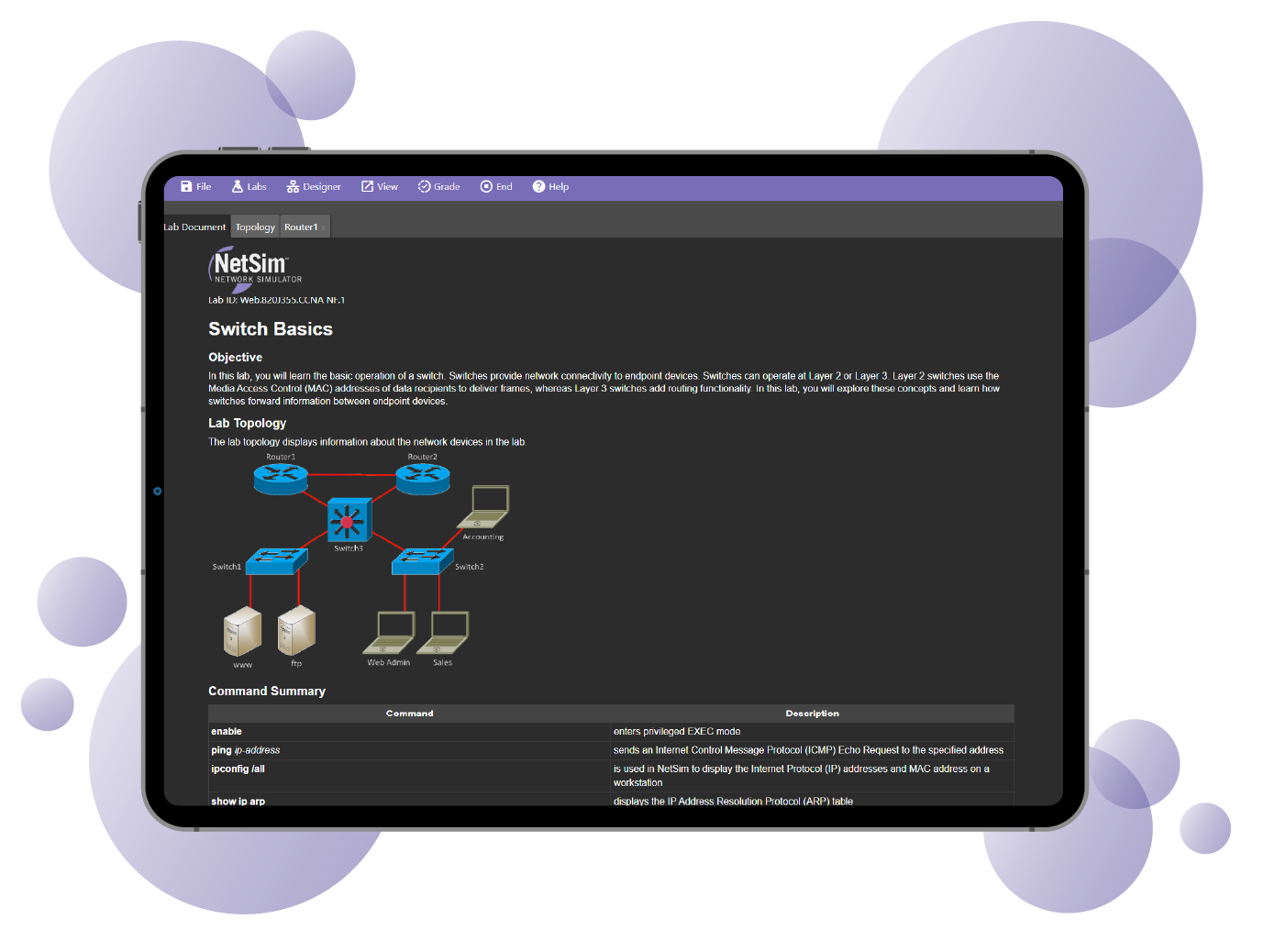

Benefits & Features

No Setup or Installation

Simply log in to your account and start working through labs with any modern, internet-capable device.

Lab Packs & Content

Designed to guide you through each concept. Clear, granular explanations of each topic are also included.

Study Anywhere, Any Time

Work through the labs in your web browser at your own pace. Learn anywhere you go, on your schedule.

IOS Images Included

Includes everything you need to work through the labs; no need to license additional materials to get started.

Pick up where you left off

Sync your lab progress to easily dive back in as your schedule permits. You can also sync your history between devices.

Grading

Compare your configurations to the expected to track mistakes and get instant feedback.

NetSim for Cisco 200-301 CCNA

About the Exam


What is

NetSim for Cisco 200-301 CCNA

?

NetSim for Cisco 200-301 CCNA is the industry-leading network simulator designed to help you learn, practice, and master the skills needed to pass the Cisco 200-301 CCNA exam. Built specifically for CCNA exam prep, NetSim provides hands-on experience with real-world networking scenarios featuring guided labs that cover all the key topics on the 200-301 CCNA exam.

With NetSim’s CCNA labs, you can gain practical experience configuring Cisco routers and switches without the need for physical hardware, IOS images, or external lab equipment. Everything you need is included, making it the perfect solution for home study, classroom learning, or self-paced training.



What topics are included in this exam?

  • Network Fundamentals
  • Network Access
  • IP Connectivity
  • IP Services
  • Security Fundamentals
  • Automation and Programmability


BUNDLE & SAVE

Bundle Products for Instant Savings

Included Products Price
NetSim for Cisco 200-301 CCNA
Courseware for Cisco 200-301 CCNA
$308 $249 / year
SAVE $59
NetSim for Cisco 200-301 CCNA
ExSim-Max for Cisco 200-301 CCNA
$278 $259 / year
SAVE $19
NetSim for Cisco 200-301 CCNA
Video Training for Cisco 200-301 CCNA
$258 $219 / year
SAVE $39
NetSim for Cisco 200-301 CCNA
ExSim-Max for Cisco 200-301 CCNA
Courseware for Cisco 200-301 CCNA
$407 $299 / year
SAVE $108
NetSim for Cisco 200-301 CCNA
Video Training for Cisco 200-301 CCNA
ExSim-Max for Cisco 200-301 CCNA
$357 $299 / year
SAVE $58

Shop similar products

Shop all products

See what our users are saying about NetSim

SupportTestUser1

Test Review of NetSim. No reviews available for this product. No reviews available for this product. No reviews available for this product. No reviews available for this product. No reviews available for this product.

Read More Read Less

Cerys

Has made understanding networking and troubleshooting a whole lot easier. Used in conjunction with Jeremy IT CCNA videos!

Read More Read Less

Daniel

At first I was skeptical because during the demo I was unable to split the screen in half to view the instructions and devices like Jeremy does in his IT lab. However, I noticed if I use dual monitors I can open the devices on one screen and have the instructions on the other screen. I feel like I am learning a lot to reinforce my prior learning. Some commands don't work properly. But nothing too drastic. For instance, I typed "show interface switchport" and saw the output. But when I type "show interface sw" it doesn't show correctly like it does when I type out the word switchport, even though it's the only command that starts with sw. Overall, I think it's a great foundation to lab more and get more experience. The 3-month subscription is what led me to purchase. I was on the fence about the 1-year purchase.

Read More Read Less